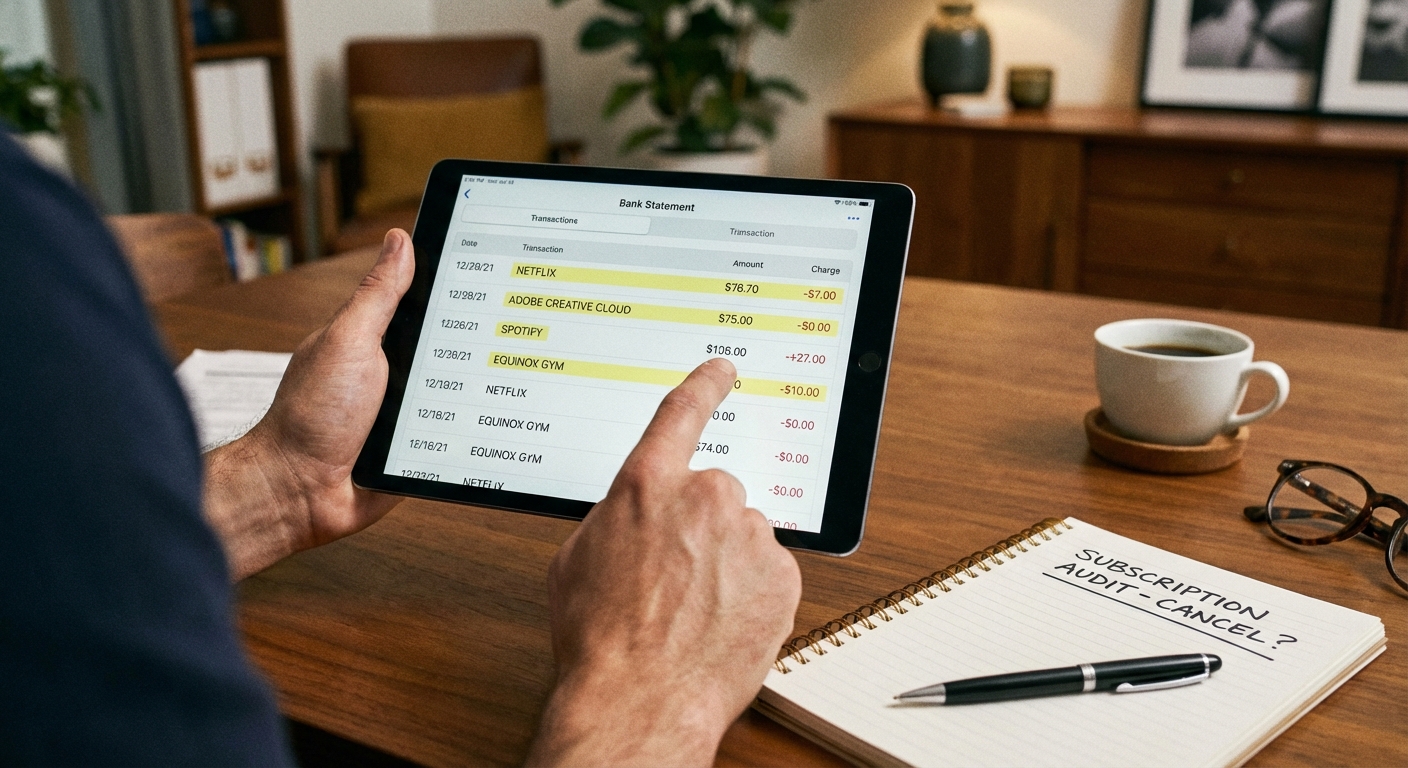
How do you find all your subscriptions? Check your bank and credit card statements for the past three months. Every recurring charge will appear there, including ones you forgot about. Most people discover they’re paying for 2-4 subscriptions they no longer use, with the average unused subscription costing $20-30 per month. That’s potentially $100 or more leaking from your budget annually for services you don’t even remember signing up for.
The subscription economy has made it incredibly easy to sign up for services and incredibly easy to forget about them. Free trials that auto-convert, annual renewals that charge your card once a year, and services you stopped using but never canceled all add up. Here’s how to find every subscription you’re paying for and decide which ones to keep.
Find All Your Recurring Charges
Start with your bank and credit card statements. Log into your online banking and review transactions from the past 90 days. Look for charges that repeat monthly, quarterly, or annually. Common subscription categories include streaming services, software subscriptions, gym memberships, news and magazine subscriptions, cloud storage, and meal kit services.
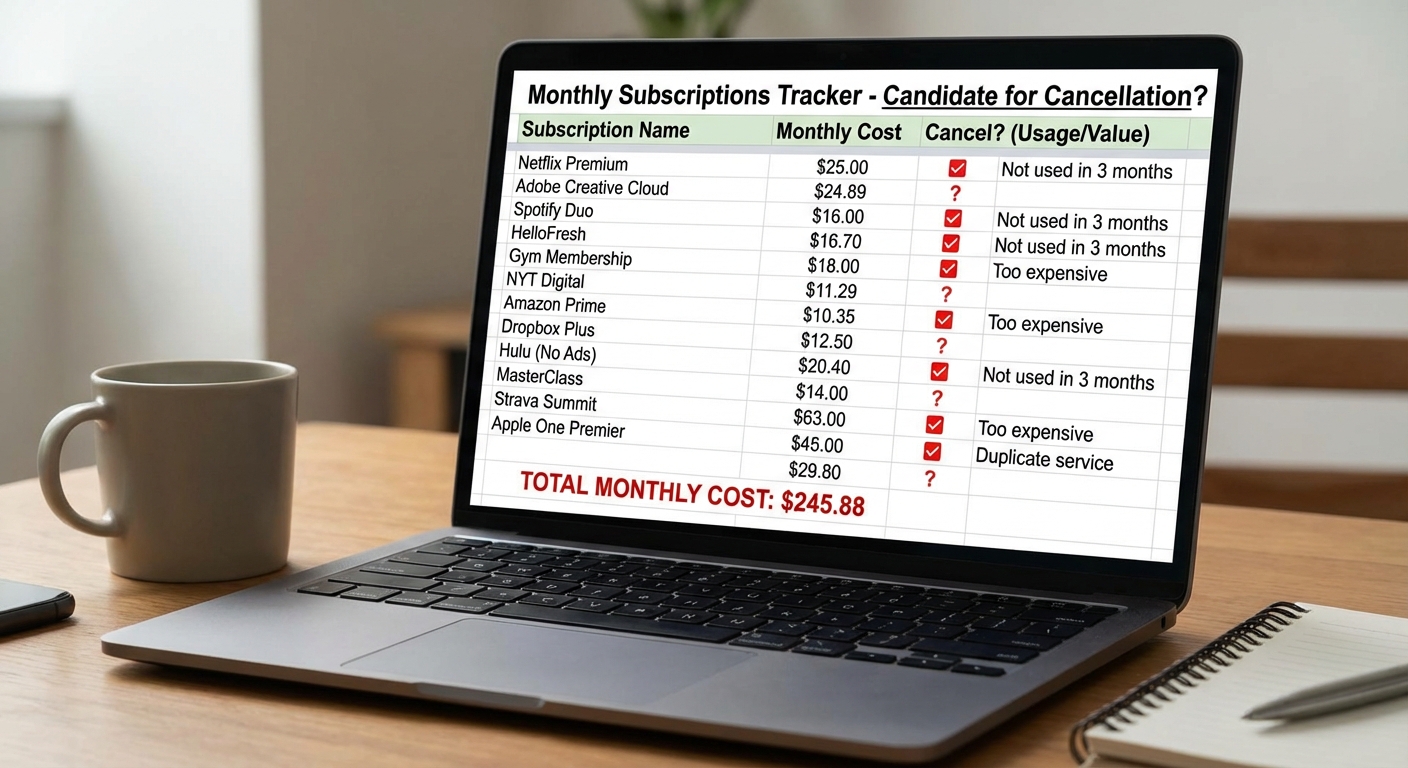
Create a simple list as you go: the service name, the amount charged, and how often it charges. Don’t rely on memory. Many subscriptions have names that don’t match the service you signed up for. A charge from “AMZN Digital” is probably Amazon Prime or Kindle Unlimited. “GOOG *YouTube” is YouTube Premium.
Check your phone for app-based subscriptions. On iPhone, go to Settings, tap your name, then tap Subscriptions. You’ll see every subscription billed through the App Store. On Android, open the Google Play Store, tap your profile icon, then tap Payments & subscriptions, then Subscriptions. These lists often reveal subscriptions you started through apps and completely forgot about.
Look for annual charges specifically. These are the sneakiest because they hit your card once a year and are easy to overlook. Search your email for terms like “renewal,” “annual subscription,” and “your subscription has been renewed.” Many services send confirmation emails when they charge your card.
Use Subscription Tracking Apps
If manually checking statements sounds tedious, subscription management apps can automate the process. These apps connect to your bank accounts and automatically identify recurring charges.
Rocket Money (formerly Truebill) scans your linked accounts, categorizes subscriptions, and can even cancel unwanted ones on your behalf. The app negotiates cancellations with companies for you, though it takes a percentage of savings for some premium features.
Trim works similarly, identifying subscriptions and helping you cancel them. It also analyzes your overall spending and can negotiate lower rates on some bills like cable and internet.
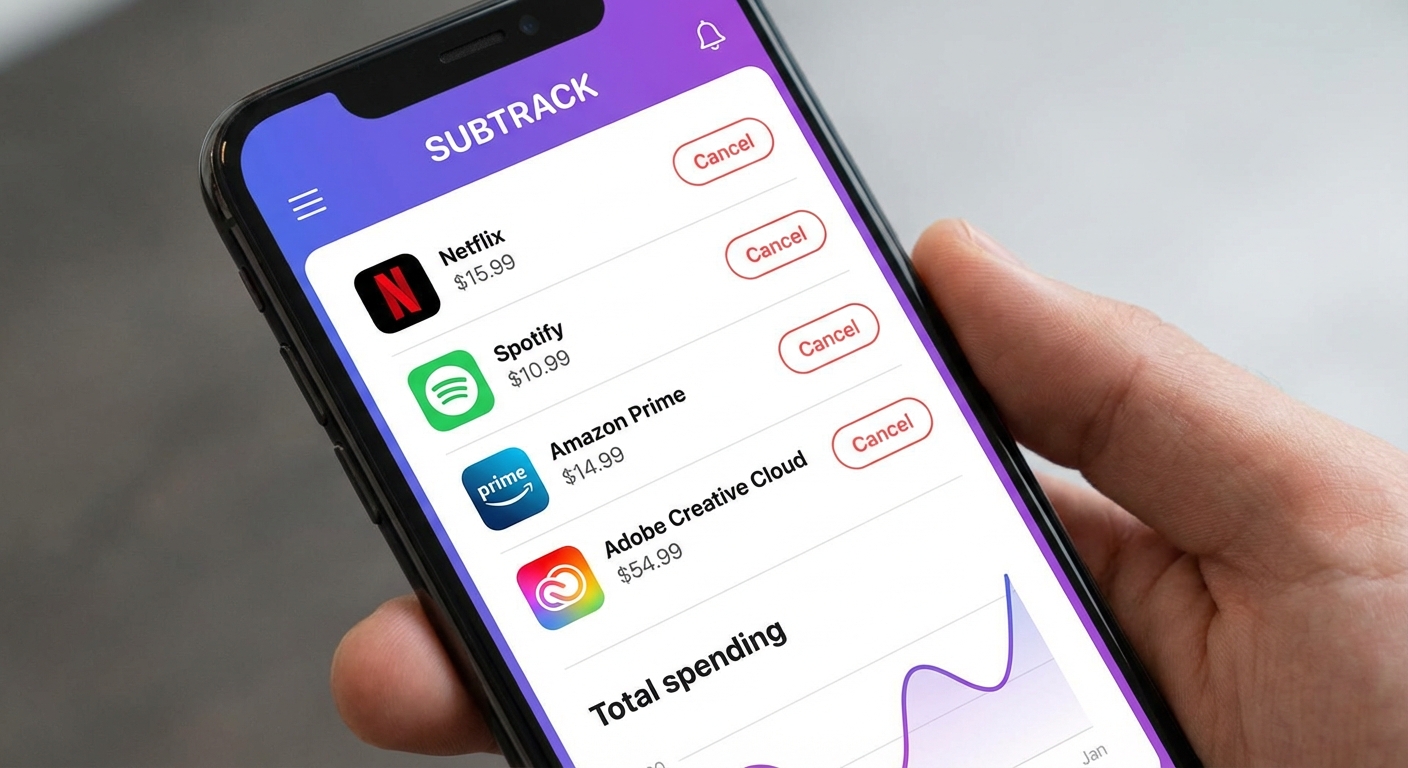
Subscription Stopper offers a free option that tracks subscriptions after you link your cards. It identifies recurring charges and helps you monitor them without the premium features of paid apps.
The privacy trade-off is worth considering. These apps require access to your financial accounts to work. Read privacy policies before connecting sensitive accounts. For many people, the manual statement review approach works fine and doesn’t require sharing banking credentials.
How to Cancel Each Type of Subscription
App Store subscriptions (iOS): Settings → Your Name → Subscriptions → Select the subscription → Cancel Subscription. Important: uninstalling an app doesn’t cancel its subscription. You must cancel through Settings.
Google Play subscriptions (Android): Play Store → Profile → Payments & subscriptions → Subscriptions → Select the subscription → Cancel subscription. Again, uninstalling the app doesn’t cancel the subscription.
Direct subscriptions (billed directly by the company): Log into the service’s website and look for account settings, billing, or subscription options. Many services bury the cancel option, so you may need to search around.
Gym memberships often require cancellation by certified mail, in-person visit, or specific notice periods. Check your membership agreement for requirements. Some gyms make cancellation deliberately difficult.
Free trial conversions can be canceled before the trial ends to avoid charges. Set a calendar reminder for one day before the trial expires so you can cancel if you don’t want to continue.
Decide What to Keep
Once you have your complete list, evaluate each subscription against three questions:
When did I last use this? If you haven’t used a service in 30 days, you probably don’t need it. Exceptions exist for seasonal services or annual-use items, but most subscriptions should provide regular value.
Could I replace this for free? Many paid services have free alternatives. Free ad-supported streaming, library digital loans for books and magazines, and free versions of productivity software can replace paid subscriptions.
Is this worth the hourly rate? Calculate how many hours of use you get per dollar spent. A $15/month streaming service you watch 15 hours monthly costs $1 per hour of entertainment. That’s probably worth it. The same service watched 1 hour monthly costs $15 per hour. That’s probably not.
Prevent Future Subscription Creep
After cleaning up existing subscriptions, prevent new forgotten charges:
Use virtual card numbers for free trials. Services like Privacy.com let you create virtual cards with spending limits. Set a $1 limit on a card used for a free trial, and it can’t convert to a paid subscription when the trial ends.
Set calendar reminders for every free trial you start. Put the reminder for one day before the trial ends so you have time to cancel if needed.
Review subscriptions quarterly. Add a recurring calendar reminder to audit your subscriptions every three months. Catching unwanted charges early limits how much money you lose.
Use one card for subscriptions. Having all recurring charges on a single credit card makes them easier to track and review.
Summary
Finding all your subscriptions requires reviewing bank statements, checking app store subscriptions, and searching email for renewal notices. Subscription tracking apps can automate this process but require sharing financial account access.
Cancel subscriptions through the same platform you signed up on, whether that’s the App Store, Google Play, or the service’s website directly. Some services, particularly gyms, have specific cancellation requirements you’ll need to follow.
Evaluate each subscription based on recent usage, availability of free alternatives, and value per hour of use. Then implement safeguards like virtual cards and calendar reminders to prevent new forgotten subscriptions from accumulating. A quarterly review takes 15 minutes and can save hundreds of dollars annually.