How do free library apps work? Apps like Libby and Hoopla connect to your local library’s digital collection, letting you borrow ebooks, audiobooks, movies, music, and TV shows at no cost. All you need is a library card, which is free to obtain. These apps can replace or supplement paid services like Audible, Netflix, and Spotify, potentially saving you $35 or more per month depending on which subscriptions you currently pay for.
Most people don’t realize their library card unlocks far more than physical books. Public libraries have invested heavily in digital collections accessible from anywhere. The same library card that lets you check out novels also grants access to thousands of movies, millions of songs, and audiobook collections that would cost hundreds of dollars to purchase. The apps are free, the content is free, and setup takes about five minutes.
The Two Main Apps: Libby and Hoopla
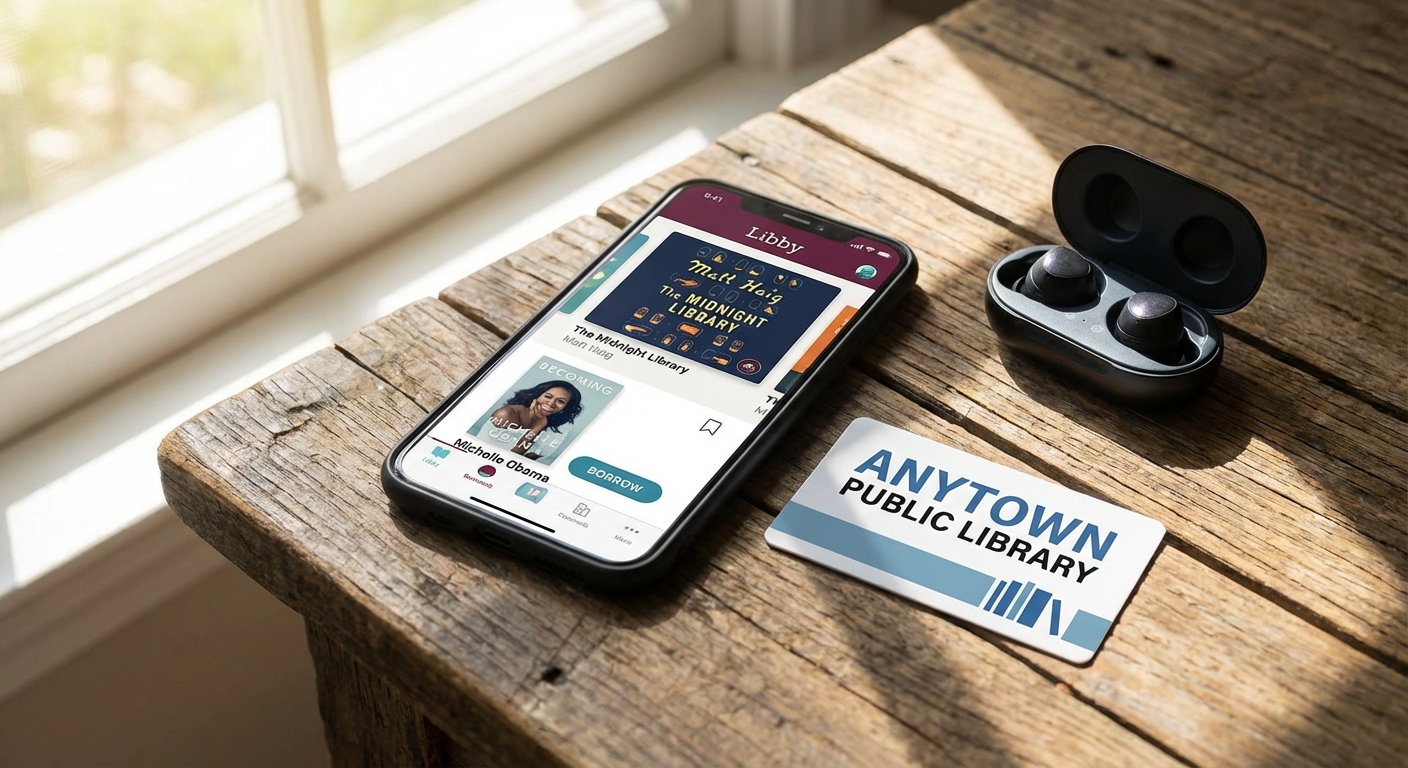
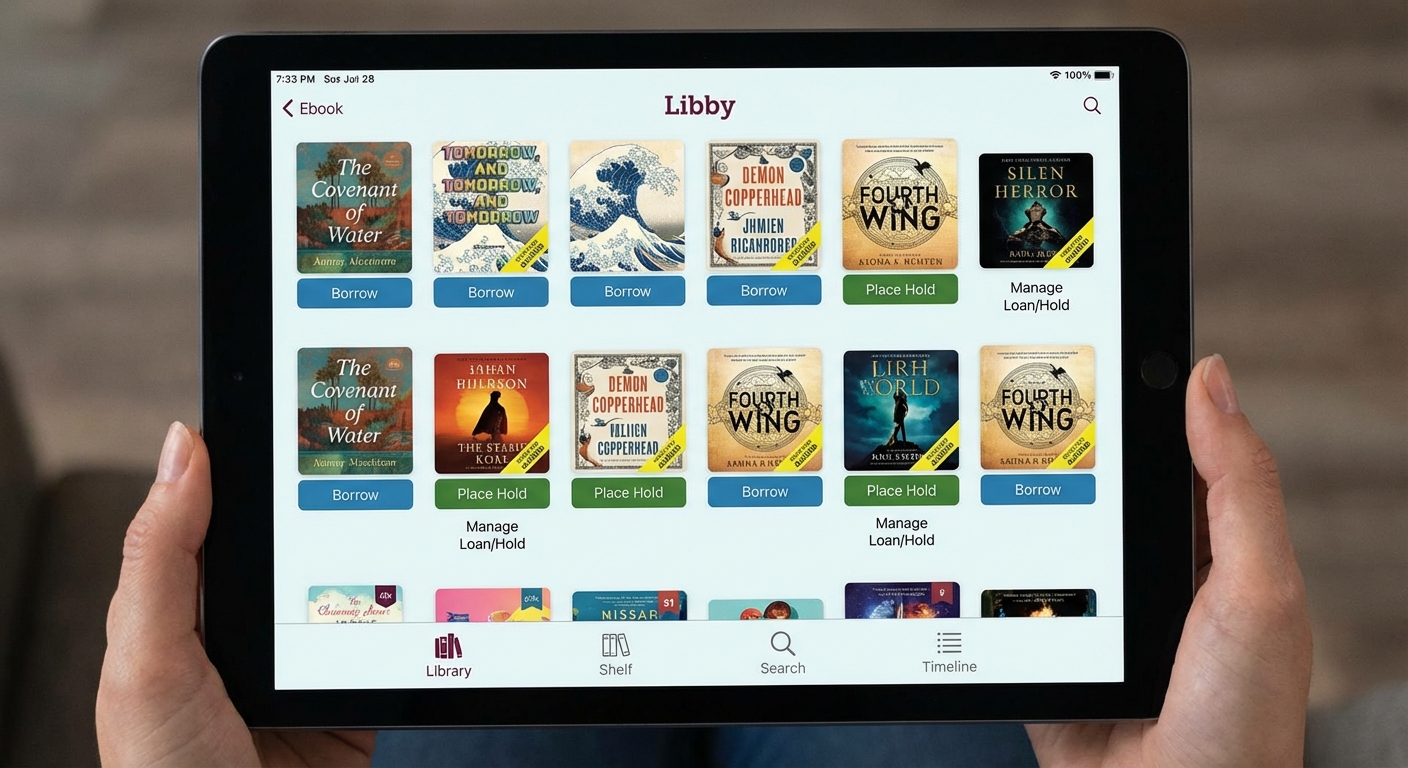
Libby is the most popular library app, best known for ebooks and audiobooks. It’s made by OverDrive, the company that partners with most public libraries for digital lending. Libby works on iOS, Android, and through web browsers. If you own a Kindle, Libby can send borrowed books directly to your device, so you don’t have to read on your phone.
Libby operates like a traditional library: popular items have limited copies, so you might need to place holds and wait for availability. New releases and bestsellers often have wait lists ranging from days to weeks. The advantage is that Libby tends to have the best selection of current, popular titles that you’d find in a bookstore.
Hoopla takes a different approach with instant access and broader content types. Beyond ebooks and audiobooks, Hoopla offers movies, TV shows, music albums, and comics. There are no wait times because Hoopla pays publishers each time someone borrows something rather than purchasing limited copies.
The trade-off is borrowing limits. Most libraries restrict Hoopla to 5-10 borrows per month to control costs. Your library decides the specific limit, which resets on the first of each month. Hoopla also offers “BingePasses,” which are seven-day streaming passes for specific content collections that count as only one borrow.
Setting Up Your Free Accounts
Getting started requires just a library card. If you don’t have one, visit your local library’s website or stop by in person. Most libraries issue cards immediately, and many now offer digital-only cards you can get online without visiting a branch.
To set up Libby:
- Download the Libby app from the App Store or Google Play
- Open the app and tap “Find My Library”
- Search for your library by name, city, or zip code
- Sign in with your library card number and PIN
- Browse and borrow, your first ebook or audiobook is a tap away
To set up Hoopla:
- Download the Hoopla app from your device’s app store
- Create a free account with your email
- Search for and select your library
- Link your library card by entering the card number
- Start browsing movies, music, and more
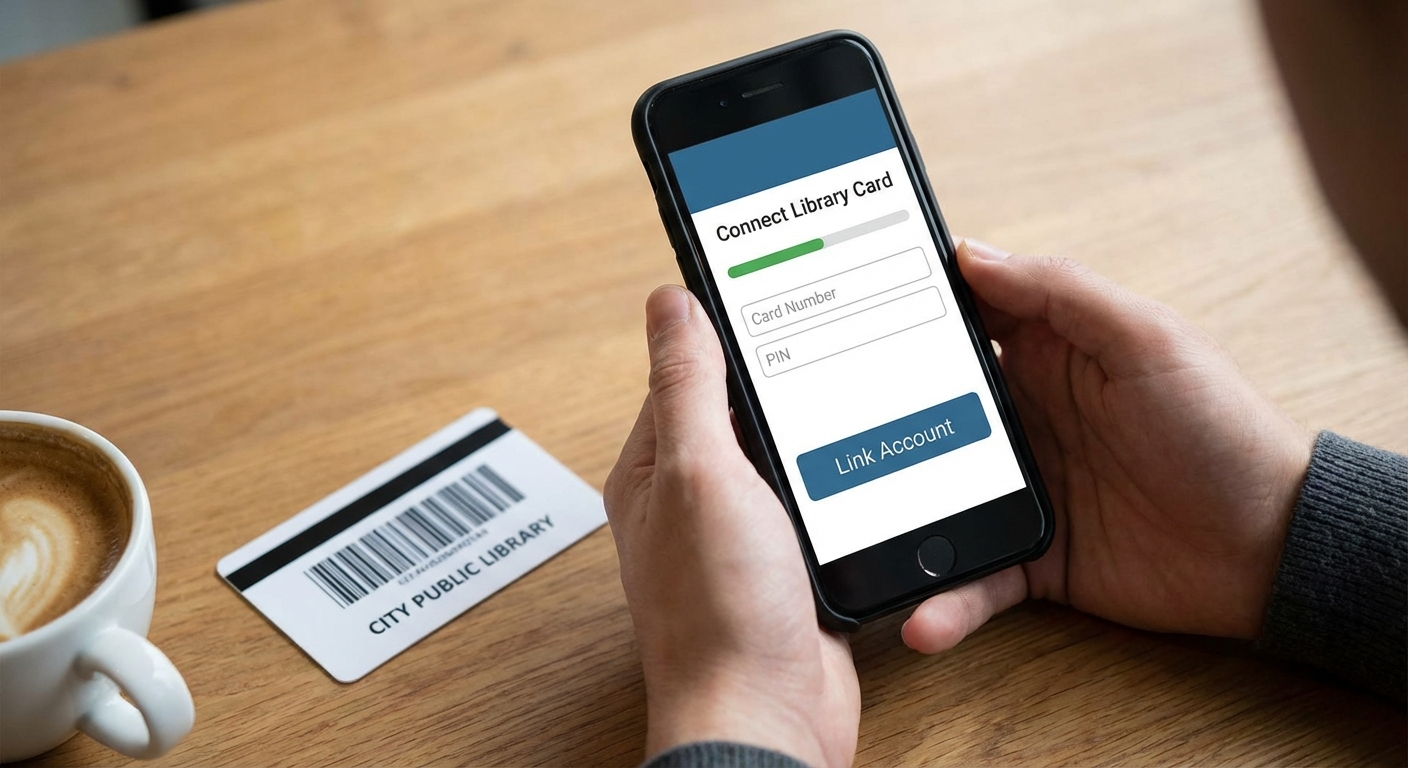
Both apps work on phones, tablets, and computers. Hoopla also has apps for smart TVs, Roku, Apple TV, and Fire TV, making it practical for watching movies and TV shows on your television.
What Each App Does Best
Use Libby when you want the newest bestsellers and popular audiobooks. If a book is on the New York Times list or getting buzz online, Libby probably has it, though you might wait for availability. Libby’s reading and listening experience is polished, with features like sleep timers, playback speed control, and seamless syncing between devices.
Use Hoopla for instant gratification and variety. Want to watch a movie tonight? Hoopla has thousands available immediately. Looking for an album to stream? Hoopla’s music collection includes major artists and new releases. Need a graphic novel or comic? Hoopla’s comics section is extensive.
Using both apps together maximizes what you can access. If a book has a long wait on Libby, check if Hoopla has it available instantly. Use your monthly Hoopla borrows for time-sensitive content like movies, and rely on Libby for the books you’re willing to wait for.
Calculating Your Potential Savings
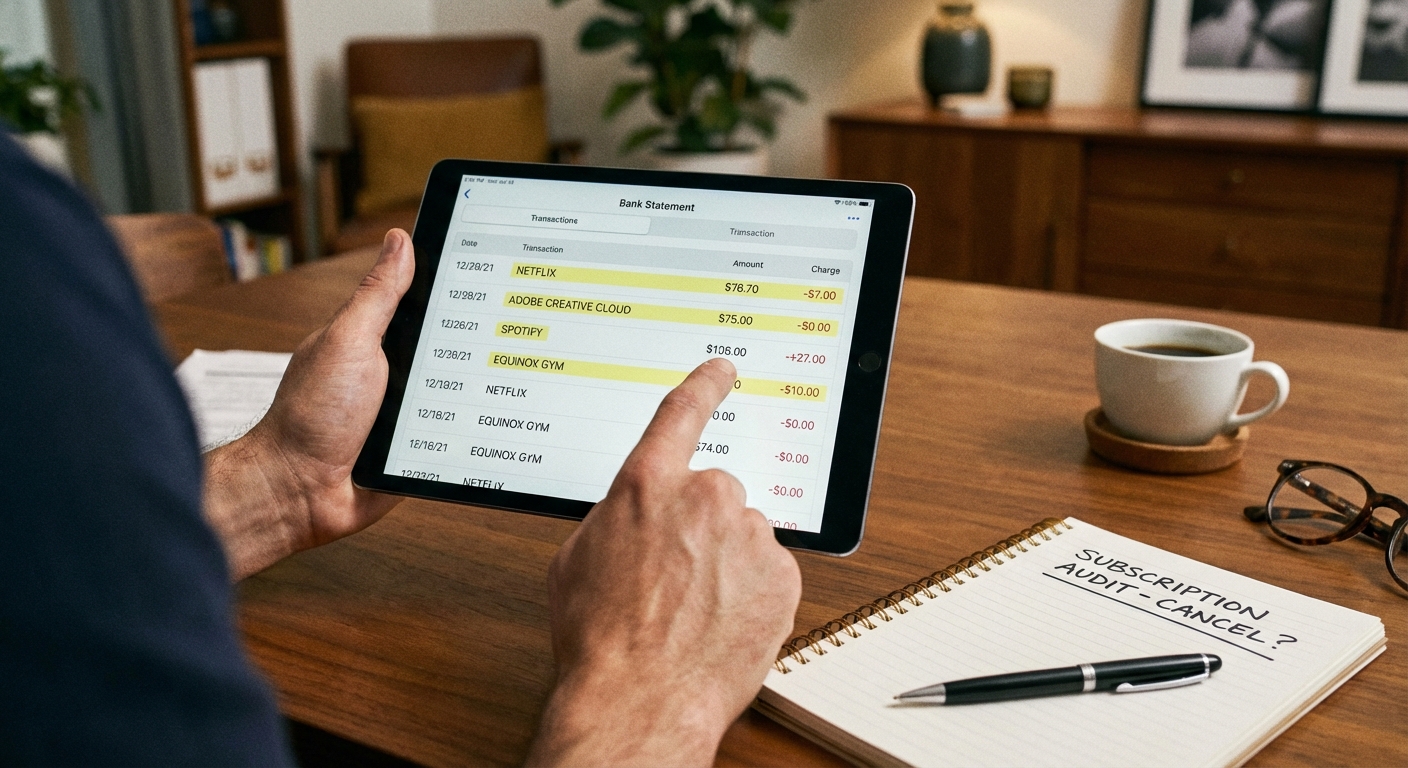
The math on replacing paid services is straightforward. Audible costs $15 per month for one audiobook credit. Netflix ranges from $7 to $23 depending on your plan. Spotify Premium is $12 per month. If you’re paying for all three, that’s $34-50 monthly.
Library apps provide similar content for free. A heavy audiobook listener might get 3-4 books per month from Libby, worth $45-60 at Audible prices. Hoopla’s movie and TV selection, while not as extensive as Netflix, includes thousands of titles including recent releases. The music library covers most listening needs.
The practical approach is identifying which paid services you use least. If you rarely finish audiobooks or mostly rewatch the same Netflix shows, the free alternatives might fully replace those subscriptions. Even partial replacement, using library apps for audiobooks while keeping Netflix, saves meaningful money over a year.
Tips for Getting the Most From Library Apps
Place holds strategically on Libby. When you finish a book, immediately place holds on your next several reads. By the time you’re ready, at least one should be available. Think of holds as a reading queue that manages itself.
Check your library’s specific Hoopla limits. Some libraries offer 10 borrows monthly, others only 5. Knowing your limit helps you prioritize. Save borrows for content you’ll actually watch or read rather than impulse selections.
Explore beyond the obvious. Library digital collections include magazines through Libby, Great Courses educational videos on Hoopla, and indie films you won’t find on mainstream streaming services. The variety often surprises people who assume library content is outdated.
Don’t forget Kanopy. Many libraries also offer Kanopy, another free streaming service focused on documentaries, classic films, and Criterion Collection content. It works similarly to Hoopla with monthly borrow limits. Check if your library provides access.
Use library apps for kids’ content too. Hoopla’s children’s section includes educational shows and read-along books. Libby offers juvenile and young adult ebooks. Family households can multiply savings by using free library content for everyone’s entertainment.
The Bottom Line
Library apps represent one of the most underused money-saving tools available. The combination of Libby and Hoopla provides access to ebooks, audiobooks, movies, music, and more, all free with a library card. Setup takes minutes, and the apps work on virtually any device.
The only cost is the occasional wait for popular titles on Libby and the monthly borrow limits on Hoopla. For most people, these constraints are minor compared to the potential savings of $35 or more per month. Even if you keep some paid subscriptions, adding library apps to your entertainment mix reduces how much you need those paid services.
Start by downloading Libby and Hoopla, linking your library card, and exploring what’s available. You might find that the free options meet more of your entertainment needs than you expected.