How do you host a virtual holiday party that’s actually fun? The key is treating it differently than a regular video meeting. Send participants supplies in advance, plan structured activities rather than open chat, keep the duration to 90 minutes maximum, and use breakout rooms for smaller conversations. The biggest mistake hosts make is assuming people will naturally socialize on video the way they do in person. They won’t, so you need to create engagement through planning.
Virtual parties became mainstream out of necessity, but many people learned they can genuinely connect remotely when the event is designed well. Whether you’re gathering far-flung family or celebrating with remote coworkers, these strategies will help you create a memorable event rather than an awkward video call.
Choose the Right Platform and Test It
Your platform choice matters more than you might think. Zoom remains the most widely known and offers useful features like breakout rooms, virtual backgrounds, and easy screen sharing. Google Meet works well for smaller groups and requires no downloads. Microsoft Teams integrates naturally for work parties. Discord offers excellent audio quality and persistent chat for tech-comfortable groups.
Consider your least tech-savvy participant when choosing. If your grandmother can’t figure out the platform, she won’t enjoy the party. Send written instructions with screenshots at least a week in advance. Offer to do a test call with anyone who’s uncertain.
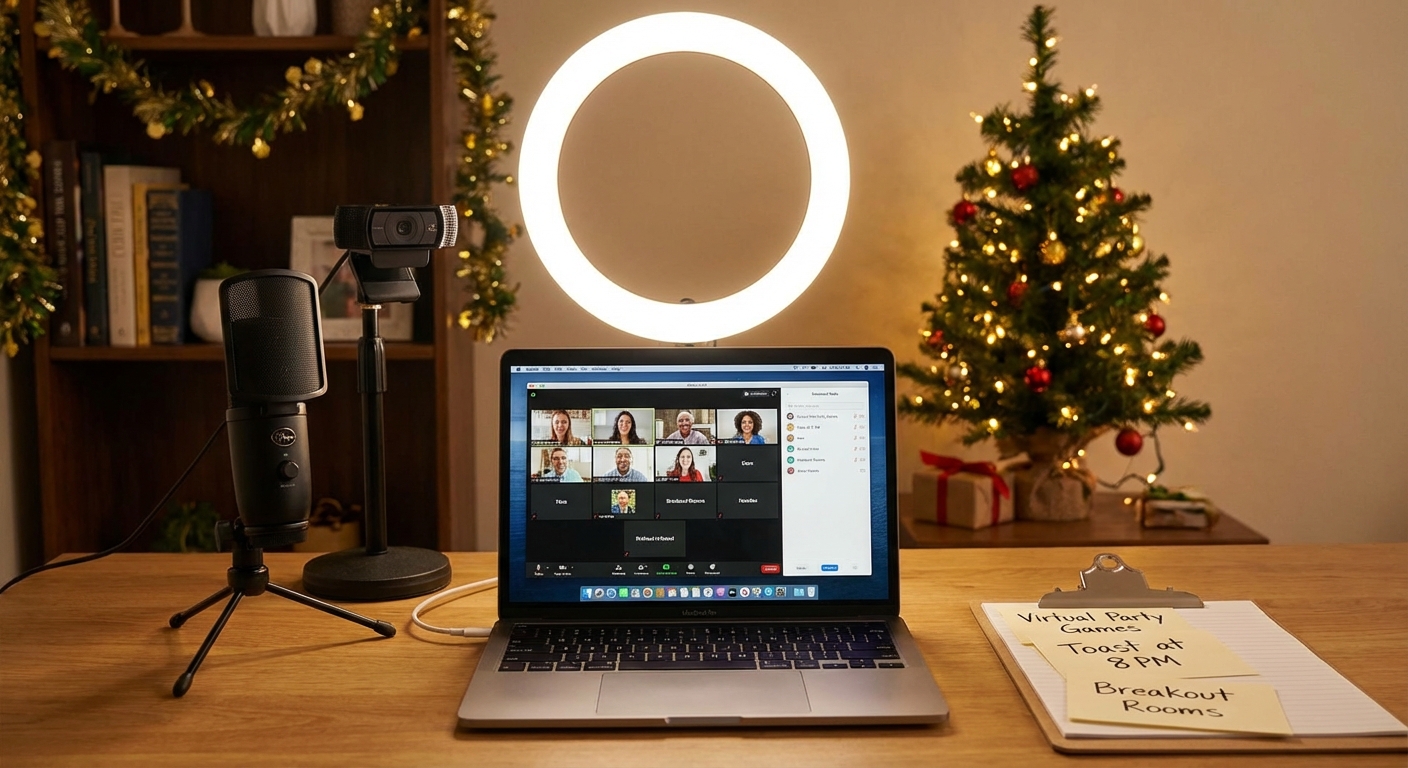
Test your own setup before the party. Check your camera angle, lighting, and audio. Position yourself facing a window or lamp for better lighting rather than being backlit. Use headphones to avoid echo. If you’re using features like screen sharing or breakout rooms, practice them so you’re not fumbling during the event.
Send Physical Party Supplies
One of the best ways to elevate a virtual party is sending participants something physical. This creates anticipation before the event and gives everyone shared props during it.
Consider sending a party box that might include hot cocoa mix, holiday cookies, festive napkins or plates, a small craft or activity supply, and a printed schedule. For work parties, many companies budget for this. For family gatherings, you might ask everyone to chip in or keep it simple.
If mailing supplies isn’t practical, send a shopping list of items participants can purchase locally or a recipe for everyone to prepare the same dish. The point is creating a shared physical experience despite the distance. When everyone is sipping the same cocoa from matching mugs, the separation feels smaller.
For a low-budget option, email a link to a holiday playlist everyone can play simultaneously, or printable bingo cards and trivia sheets. The investment of effort, if not money, still shows thoughtfulness.
Structure Activities to Drive Engagement
The fundamental problem with virtual gatherings is that unstructured socializing doesn’t translate well to video. In person, you can move around, join different conversations, and engage with body language cues. On video, one person talks while everyone else stares at a screen. Without structure, virtual parties become awkward.
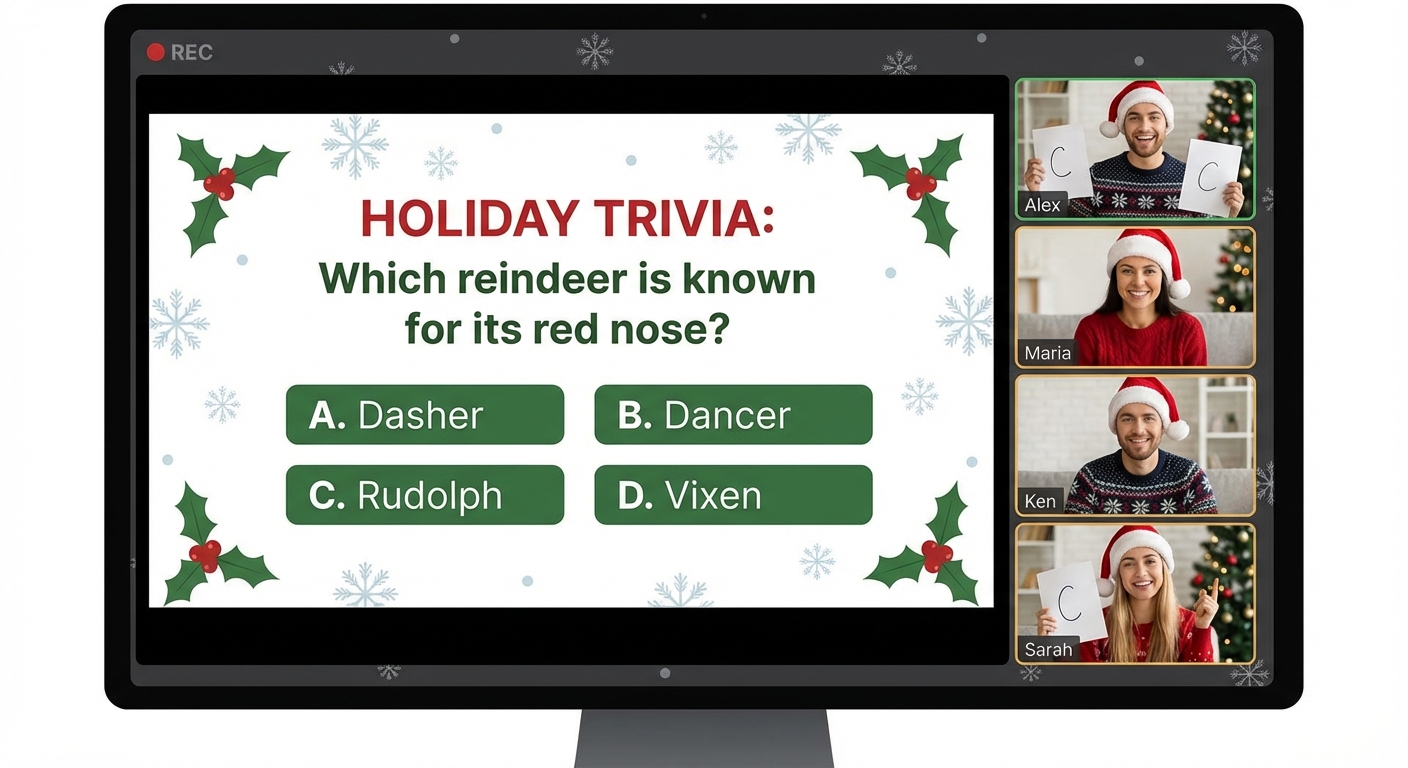
Plan specific activities that give people something to do together. Holiday trivia works well, especially when questions relate to your group’s history or inside jokes. A white elephant gift exchange can work virtually if everyone opens gifts on camera and you use a randomizer to determine order. Cookie decorating or cocktail/mocktail making lets people create something together while chatting.
Build in variety. Rotate between full-group activities, smaller breakout discussions, and brief free-chat periods. A sample 90-minute structure might be: 10 minutes arrival and chitchat, 20 minutes trivia game, 20 minutes breakout rooms for small group conversation, 25 minutes main activity like gift exchange, 15 minutes toasts and wrap-up.
Keep It Short and Respect Time
Virtual events exhaust people faster than in-person gatherings. The camera stares back, everyone is visible simultaneously, and the constant attention required is draining. Respect this reality by keeping your party to 90 minutes or less. For casual catch-ups, 60 minutes often suffices.
Start on time rather than waiting for stragglers. Send a reminder an hour before and again 15 minutes before. Clearly communicate the end time in your invitation so people can plan accordingly. If you’re using breakout rooms, set timers so people don’t lose track of time.
Build in a graceful exit option. “We’ll wrap up the organized activities at 7:30, but feel free to stay and chat if you want” lets people leave without awkwardness while allowing those who want more time to linger.
Use Breakout Rooms Strategically
Breakout rooms are the virtual equivalent of mingling at an in-person party. Use them to create smaller, more intimate conversations than the full group allows.
Split people randomly for ice-breaker discussions: “Share your best holiday memory” or “What’s the worst gift you ever received?” Alternatively, create interest-based rooms: movie buffs, sports fans, parents with kids. For family gatherings, put cousins together or mix generations intentionally.
Keep breakout sessions to 10 to 15 minutes. Longer sessions lead to awkward silence when conversation runs dry. Shorter sessions keep energy high and let people meet different groupings throughout the event.
Troubleshoot Common Issues
Technical problems are inevitable. Have a backup communication method like a group text or Slack channel where people can message if they get disconnected. Designate a tech-support person who isn’t the main host so you’re not troubleshooting while trying to run activities.
For audio issues, encourage muting when not speaking. Suggest headphones for anyone experiencing echo. If someone’s connection is unstable, turning off their video often helps audio quality.
Engagement problems are common too. Some people won’t speak unless called upon directly. Include activities that invite everyone to participate, like holding up answers on paper or chat box responses. Check in personally with quiet participants during breakout sessions.
Summary
Successful virtual holiday parties require more planning than in-person events but can create genuine connection. Choose a platform everyone can use and test it beforehand. Send participants physical supplies or a shared recipe to create tangible connections. Plan structured activities rather than expecting natural conversation. Keep events to 90 minutes or less.
Use breakout rooms for smaller conversations. Have backup communication channels for tech issues. With thoughtful preparation, your virtual gathering can be a highlight of the season rather than an obligation to endure.