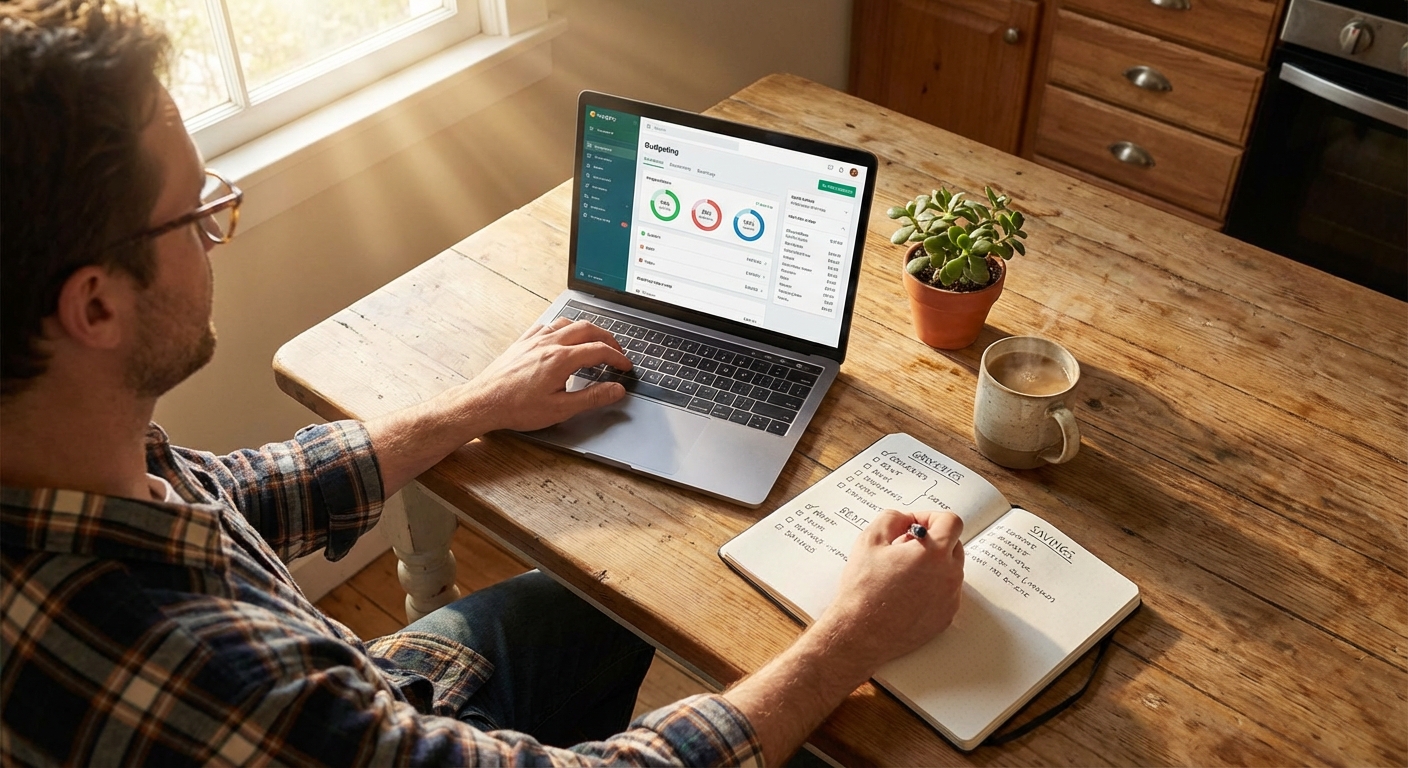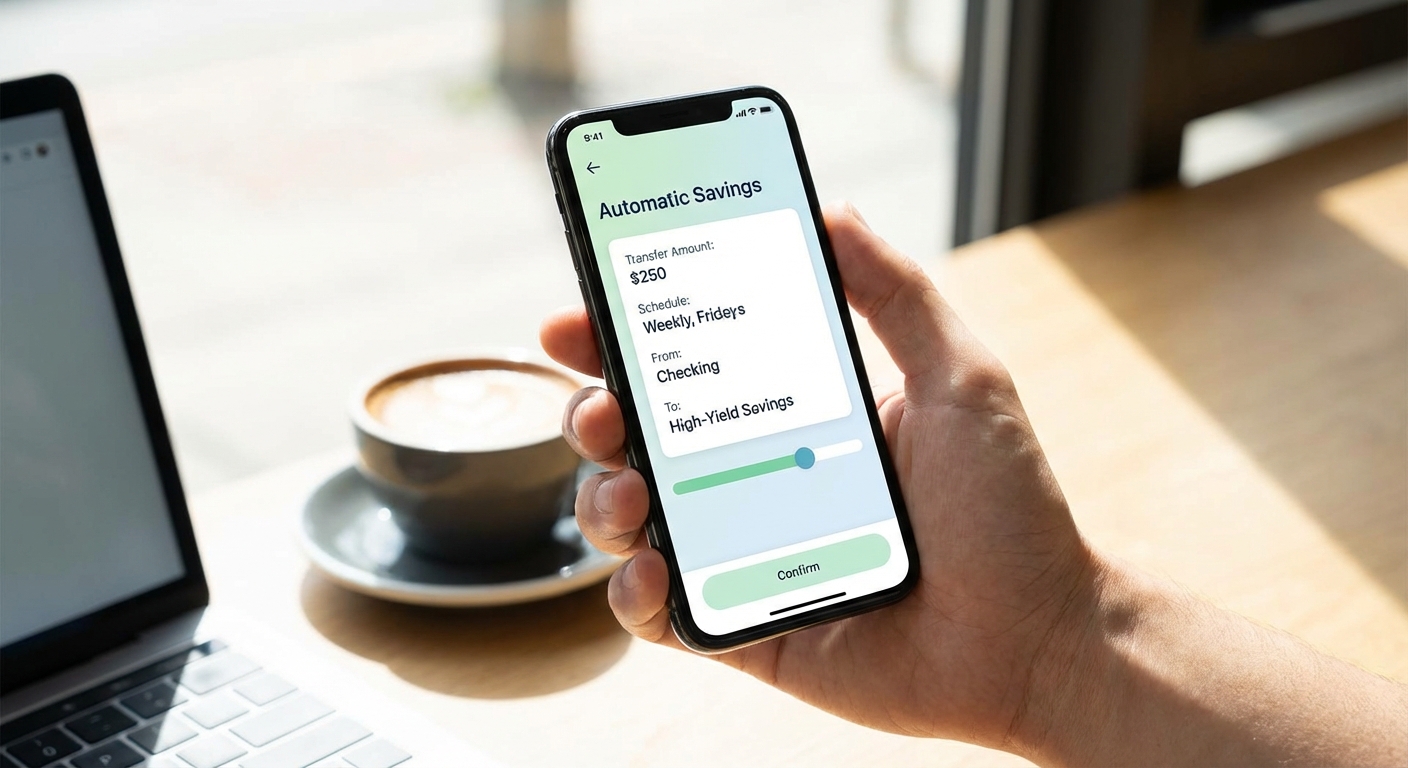
The most reliable way to save money is to make it happen without you having to do anything. Automatic savings removes the decision from each paycheck, which means you can’t accidentally spend the money before setting it aside. Research consistently shows that people who automate their savings save significantly more than those who rely on transferring money manually each month.
Setting up automatic savings takes about 10-15 minutes, and once it’s running, you can largely forget about it. Here’s how to do it through your bank, your employer, or through dedicated savings apps.
Option 1: Set Up Recurring Transfers with Your Bank
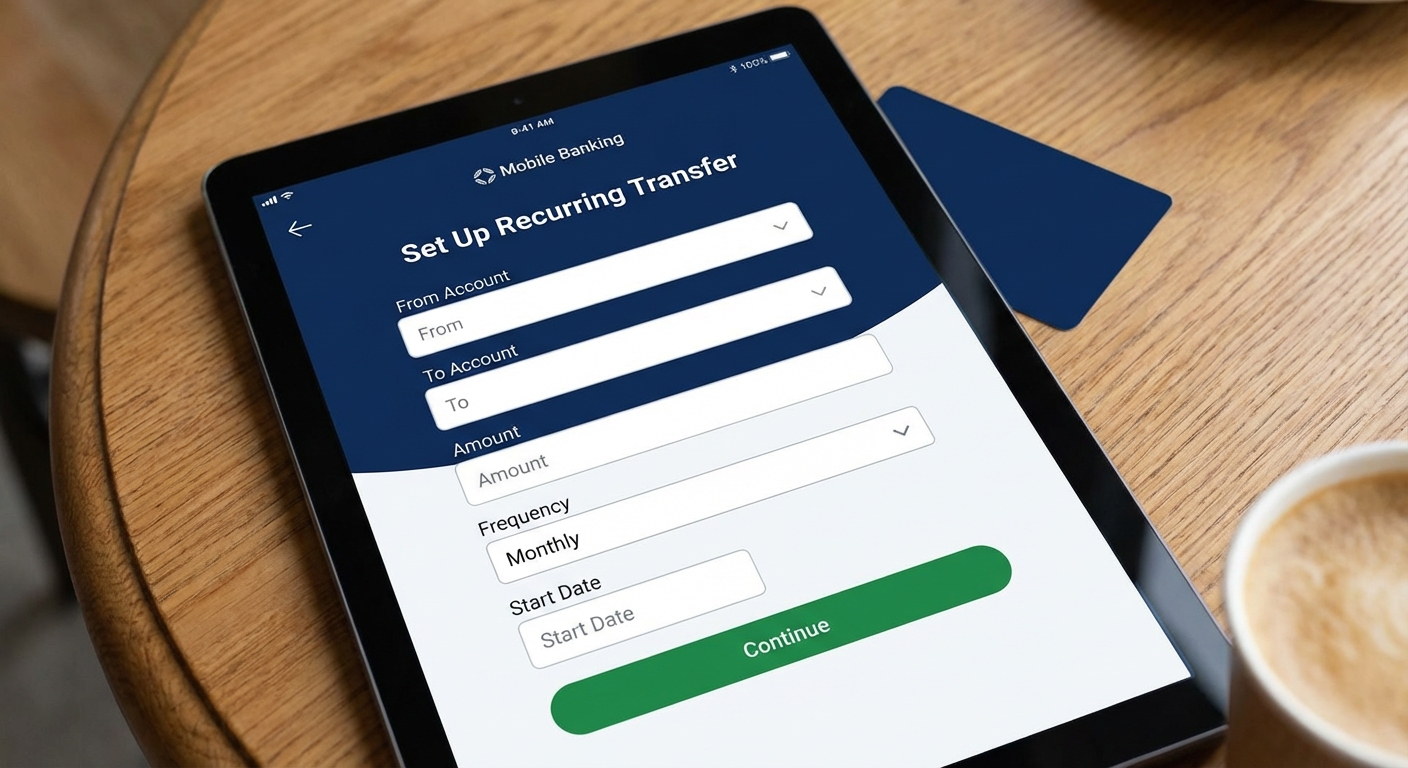
Most banks allow you to schedule automatic transfers from your checking account to your savings account. This is the simplest method and works with accounts you already have.
To set it up:
- Log into your bank’s website or mobile app
- Navigate to “Transfers” or “Move Money”
- Select “Schedule a Transfer” or “Recurring Transfer”
- Choose your checking account as the source
- Choose your savings account as the destination
- Enter the amount you want to transfer
- Set the frequency (weekly, biweekly, or monthly)
- Choose the date (ideally the day after your paycheck arrives)
- Confirm and save the recurring transfer
The best timing is to schedule the transfer for the day after you get paid. This way, the money moves before you have a chance to spend it. If you get paid on the 1st and 15th, schedule transfers for the 2nd and 16th.
Tip: Consider setting up a savings account at a different bank than your checking account. The slight friction of not seeing your savings balance every time you log in makes you less likely to dip into it. High-yield savings accounts at online banks often pay significantly higher interest rates than traditional banks anyway.
Option 2: Use Direct Deposit Split
An even more automatic approach is to split your paycheck before it ever hits your checking account. Many employers allow you to divide your direct deposit across multiple accounts.
To set it up:
- Contact your HR or payroll department (or log into your employee portal)
- Request to add a second bank account for direct deposit
- Provide the routing and account numbers for your savings account
- Specify either a fixed dollar amount or a percentage to go to savings
- The remainder goes to your primary checking account
This method is powerful because the money never appears in your checking account. You learn to budget around your take-home amount, treating your savings like a deduction that happens before you see your pay.
Many payroll systems allow you to split deposits across three or more accounts if you want to get more granular, sending different amounts to separate savings goals like an emergency fund, vacation fund, or down payment fund.
Option 3: Employer Retirement Plans
If your employer offers a 401(k) or similar retirement plan, contributions are automatically deducted from your paycheck before taxes. This is arguably the most valuable form of automatic saving because it reduces your taxable income and often comes with employer matching.
To set it up or increase contributions:
- Log into your 401(k) provider’s website or contact HR
- Select your contribution amount (as a percentage of salary)
- Choose between traditional (pre-tax) or Roth (post-tax) contributions
- Select your investment options
- Contributions begin with your next paycheck
If your employer offers a match, such as matching 50% of your contributions up to 6% of your salary, contribute at least enough to get the full match. That’s an immediate 50% return on your money.
The 2026 401(k) contribution limit is $23,500 for those under 50, and $31,000 for those 50 and older (including the catch-up contribution). If you’re not yet maxing out your contributions, consider increasing your percentage by 1% each year until you reach your goal.
Option 4: Savings Apps and Tools
Several apps are designed specifically to automate savings using various strategies:

Round-up apps connect to your debit or credit card and round up each purchase to the nearest dollar, transferring the difference to savings. A $4.50 coffee becomes $5.00, with $0.50 going to savings. This adds up over time without requiring any conscious effort.
AI-driven savings apps analyze your spending patterns and automatically move small amounts to savings when they detect you can afford it. They look for days when your balance is higher than usual and skim small amounts that you’re unlikely to miss.
Goal-based apps let you set specific savings goals (emergency fund, vacation, new laptop) and automatically allocate money toward each goal based on rules you set.
When using third-party apps, check that they’re FDIC-insured through a partner bank and review their fee structure. Some charge monthly fees while others are free but may earn interest on your deposits that they don’t fully pass on to you.
How Much Should You Automate?
A common starting point is 10-15% of your take-home pay, but any amount is better than nothing. If you’re just starting, even 5% or a fixed $50 per paycheck builds the habit.
If you’re not sure what you can afford, try this approach:
- Track your spending for one month to see where your money goes
- Identify an amount that feels slightly uncomfortable but manageable
- Set up the automation for that amount
- If you don’t notice the missing money after a month, increase it
- Keep increasing gradually until you hit your savings goal or feel the pinch
The slight discomfort is intentional. You want to save enough that it matters, but not so much that you end up overdrawing your checking account. Our article on how to create a budget that sticks can help you figure out the right balance.
Troubleshooting Common Issues
Overdraft concerns: If you’re worried about overdrawing your checking account, schedule your automatic transfer for a few days after payday rather than the day after. This gives other automatic payments time to clear first.
Variable income: If your income fluctuates, consider automating a conservative base amount and manually transferring extra during good months. Some apps detect higher balances and adjust automatically.
Forgot it was running: Set a calendar reminder to check your savings progress quarterly. This keeps you motivated and ensures the automation is still aligned with your goals.
Key Takeaways
Automatic savings works because it removes the need for willpower and decision-making from each paycheck. The easiest methods are setting up recurring transfers through your bank or splitting your direct deposit through your employer. Retirement accounts like 401(k)s offer tax advantages and potential employer matches that accelerate your savings even further.
Start with an amount you can manage, even if it’s small, and increase it gradually as you adjust. The best time to set this up was years ago; the second best time is today.