Why does your phone get hot? Your phone generates heat whenever its processor works hard, whether from gaming, video streaming, GPS navigation, or simply charging. Some warmth is completely normal and expected. However, if your phone becomes too hot to hold comfortably, displays temperature warnings, or consistently overheats during routine tasks, something may be wrong.
Understanding the difference between normal warmth and problematic overheating can save your battery from premature degradation and help you identify issues before they become serious. Modern smartphones are essentially pocket computers, and like any computer, they generate heat when processing data. The key is knowing when that heat crosses into territory that could damage your device.
What Causes Normal Phone Heating
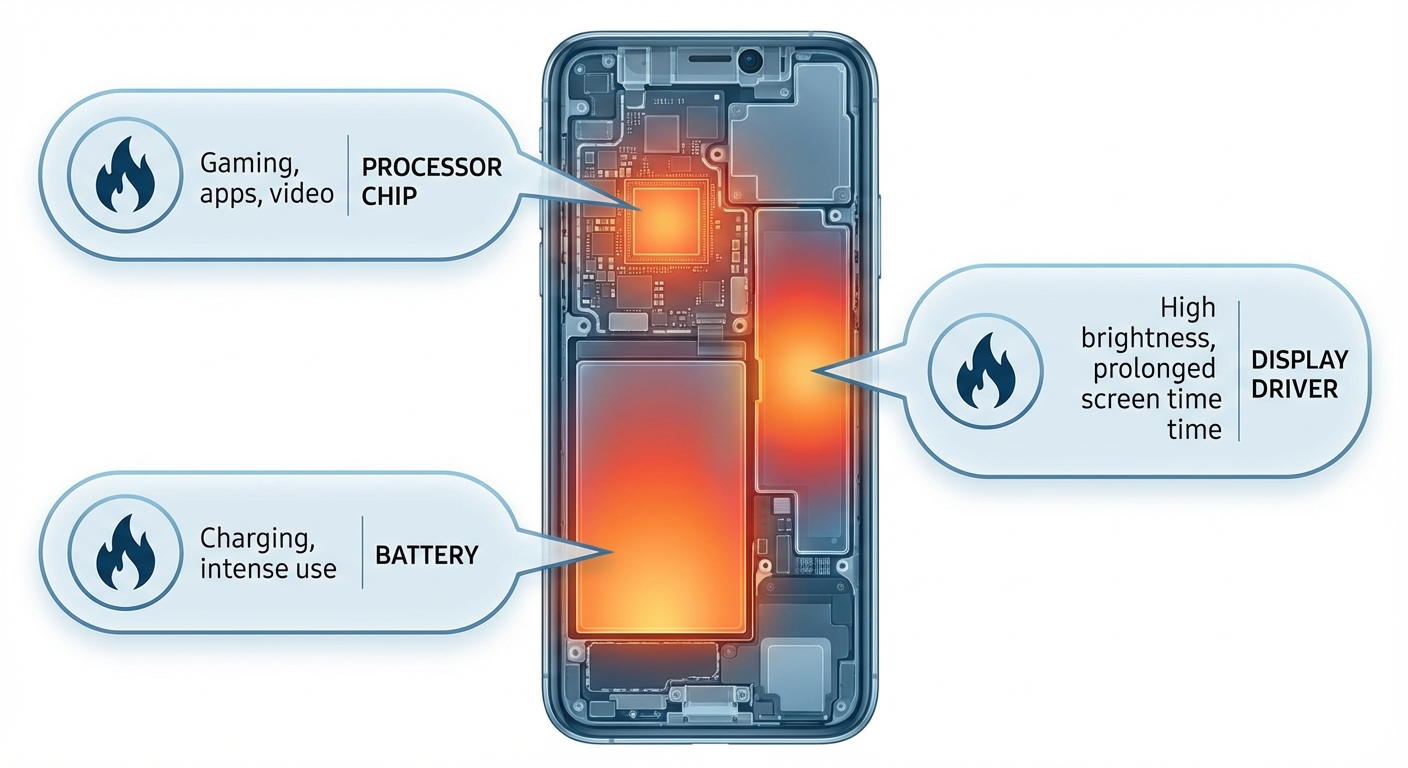
Your phone’s processor, called a system-on-chip (SoC), handles everything from displaying your home screen to running complex games. When it works harder, it generates more heat. This is basic physics, and all smartphones experience it regardless of brand or price point.
Common activities that cause normal heating include gaming, especially graphically intensive games that push your processor and graphics chip to their limits. Video calls also generate significant heat because your phone is simultaneously running the camera, processing video, transmitting data, and often using GPS. Streaming video for extended periods, using navigation apps, and updating multiple apps in the background all contribute to processor load and corresponding heat.
Charging your phone, particularly with fast charging, naturally produces heat. Lithium-ion batteries generate warmth when electrons flow into them, and faster charging means more electrons moving at once. Using your phone while it charges compounds this effect because the processor is generating heat while the battery is also warming up. This is why manufacturers often recommend not using your phone heavily during charging, especially fast charging sessions.
Environmental factors play a role too. Leaving your phone in direct sunlight, in a hot car, or near a heat source like a radiator will cause it to heat up regardless of what tasks it’s performing. Phones are designed to operate between 32°F and 95°F (0°C to 35°C), and ambient temperatures outside this range can cause problems.
When Phone Heat Becomes a Problem
While warmth is normal, excessive heat can damage your phone’s internal components, particularly the battery. Lithium-ion batteries degrade faster when exposed to high temperatures. If your phone regularly gets hot enough to trigger temperature warnings or automatically shuts down, you’re likely shortening your battery’s lifespan with each episode.
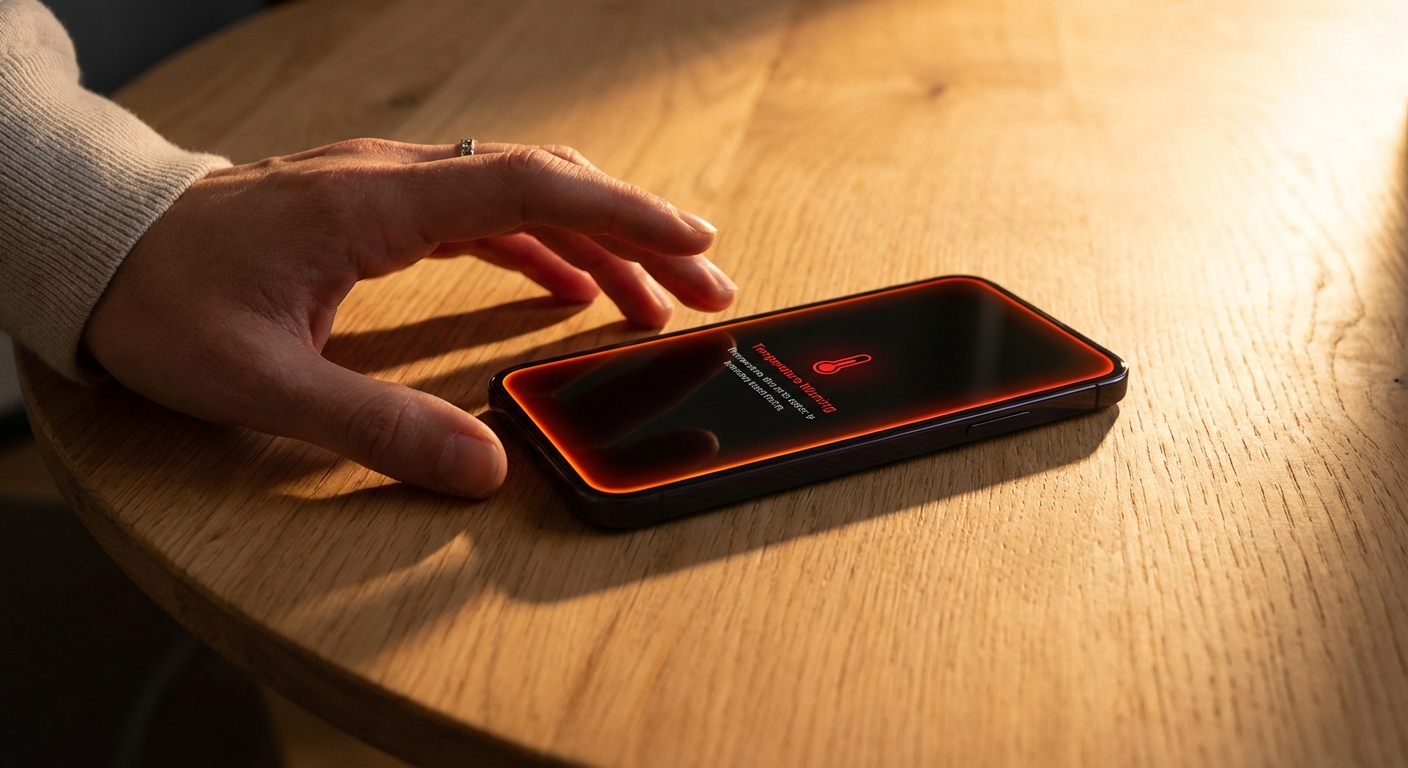
Signs that your phone’s heat has crossed into problematic territory include temperature warnings on screen, automatic brightness reduction to limit processor power, apps closing unexpectedly, the phone becoming too hot to hold comfortably against your face during calls, sluggish performance as the processor throttles itself to cool down, and in extreme cases, automatic shutdown to prevent damage.
If your phone gets uncomfortably hot during simple tasks like texting, browsing, or listening to music, something is likely wrong. These activities shouldn’t push your processor hard enough to generate significant heat. Similarly, if your phone remains hot long after you’ve stopped using it, heat isn’t dissipating normally.
Persistent overheating during routine use often points to a specific cause: a misbehaving app consuming processor resources in the background, a degraded battery that can’t regulate temperature properly, a malfunctioning charging system, or in some cases, malware running hidden processes. Identifying the cause is the first step toward a solution.
How to Cool Down an Overheating Phone
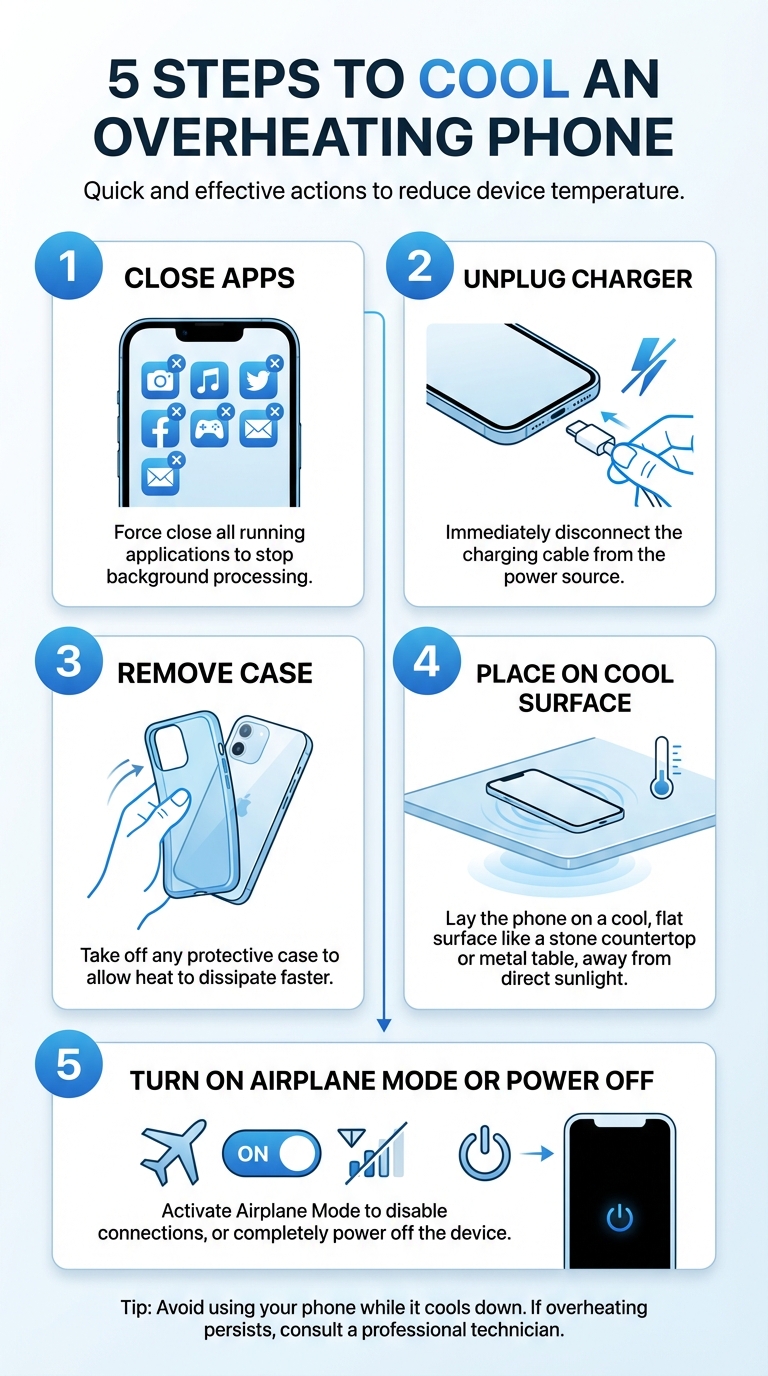
When your phone gets too hot, the goal is to reduce processor load and help heat dissipate. Start by closing any apps running in the foreground, especially games, navigation, or video apps. If you’re charging, disconnect the charger. Remove your phone case if you have one, since cases trap heat against the device body.
Move your phone to a cooler location, ideally somewhere with good air circulation at room temperature. Set it down on a hard surface rather than fabric, which insulates heat. A wooden table or counter works well. Avoid the temptation to put your phone in a refrigerator or freezer. Rapid temperature changes can cause condensation inside the device, potentially damaging internal components with moisture.
Turn on airplane mode to reduce the radio work your phone does constantly to maintain cellular and Wi-Fi connections. If your phone is still too hot to touch, power it off completely and let it rest for 10 to 15 minutes before turning it back on. Once cooled, consider enabling low power mode or battery saver mode, which reduces processor activity and can help prevent the phone from heating up again quickly.
If your phone displays a temperature warning, take it seriously. These warnings exist because the device has measured internal temperatures that could cause damage if they continue. Don’t try to use the phone through a temperature warning. Let it cool before resuming use.
Preventing Future Overheating
Preventing overheating is easier than repeatedly dealing with an already-hot phone. Start by managing your charging habits. Avoid using your phone intensively while it charges. Don’t charge under blankets or pillows where heat can’t escape. Use the charger that came with your phone or a reputable third-party charger rated for your device. Cheap chargers can deliver inconsistent power that causes excess heat.
Keep your phone out of direct sunlight, especially in summer. Never leave it on a car dashboard or in a parked car where temperatures can exceed 100°F quickly. If you’re at the beach or pool, keep your phone in a bag in the shade rather than exposed to sun.
Review your apps periodically. Some apps, particularly free ones with aggressive advertising, run constant background processes that keep your processor working. Check your battery usage settings to see which apps consume the most power, as these are often the same apps generating the most heat. Uninstall apps you don’t use and disable background refresh for apps that don’t need it.
Keeping your phone’s software updated helps too. Manufacturers often release updates that improve thermal management and fix bugs that cause processor inefficiency. An app or system process stuck in a loop because of a software bug will generate heat until the bug is patched.
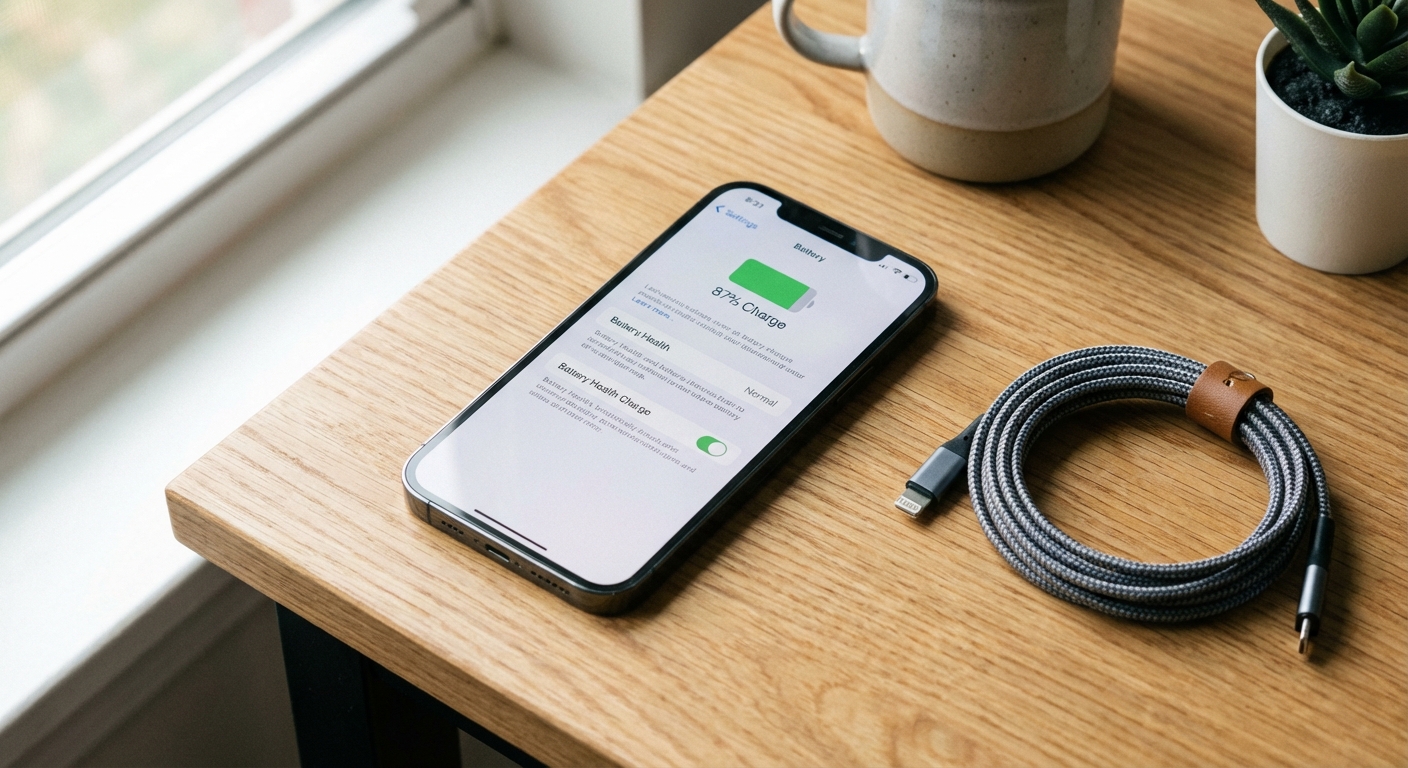
If your phone is more than two years old and overheats regularly, your battery may be degrading. Batteries lose capacity and efficiency over time, and older batteries can generate more heat during charging and use. You can check your battery health in your phone’s settings. Both iOS and Android now provide battery health metrics. If your battery health is below 80%, replacing the battery might solve your overheating issues.
When to Seek Professional Help
If you’ve tried the steps above and your phone still overheats during normal use, it’s time to consult a professional. Persistent overheating that you can’t trace to specific heavy apps or environmental factors might indicate a hardware problem.
Take your phone to an authorized service center or your carrier’s repair service rather than a random repair shop. Overheating can be caused by faulty batteries, damaged charging ports, or internal component failure. A professional can diagnose whether the issue is repairable or whether the device needs replacement. If your phone is under warranty, overheating problems are typically covered.
Don’t ignore consistent overheating. Beyond the annoyance of a hot phone, you’re risking a swollen or damaged battery. In rare but serious cases, severely damaged batteries can become safety hazards. If your phone shows physical signs like a bulging back, a screen that’s pushing outward, or a battery that won’t charge properly, stop using it immediately and have it inspected.
Summary
Phones get hot during processor-intensive tasks like gaming, video streaming, and navigation, and this is normal. Charging also generates heat, especially fast charging. When your phone gets too hot, close apps, remove the case, disconnect the charger, and let it cool in a ventilated area. Never use extreme cold to cool your phone.
Prevent overheating by avoiding intensive use while charging, keeping your phone out of direct sunlight, removing problematic apps, and maintaining good battery health. If your phone overheats regularly during simple tasks or displays temperature warnings frequently, consult a professional to check for hardware issues.